Drawing Games: Draw & Color
RV AppStudios
Downloads
50,000,000+
Source
Google Play
Click to download now, finish the installation quickly, and directly unlock the all-round experience
Screenshots
Click to download now, finish the installation quickly, and directly unlock the all-round experience
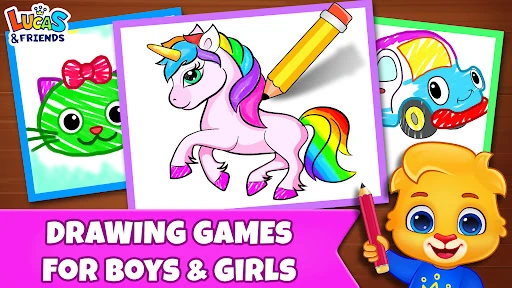
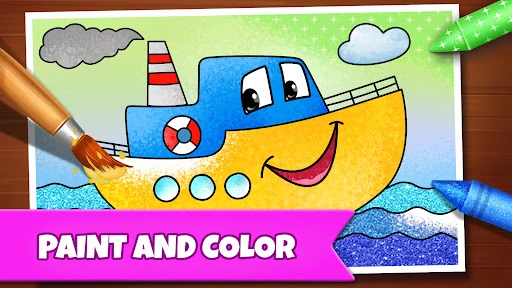
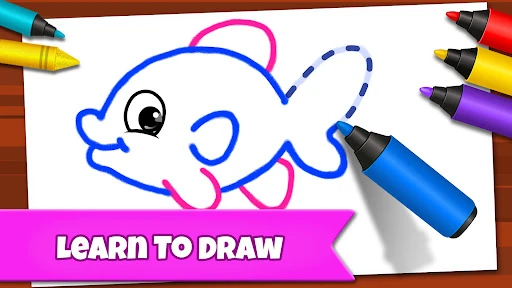
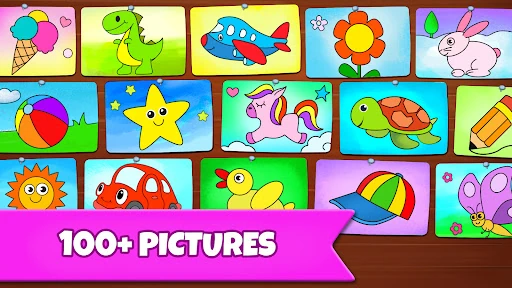
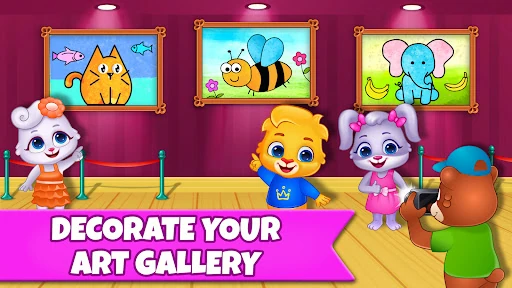
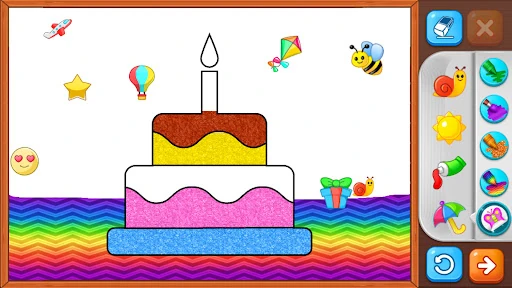
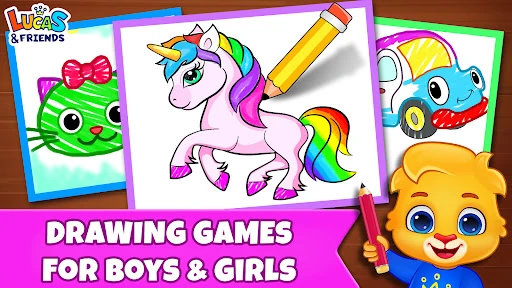
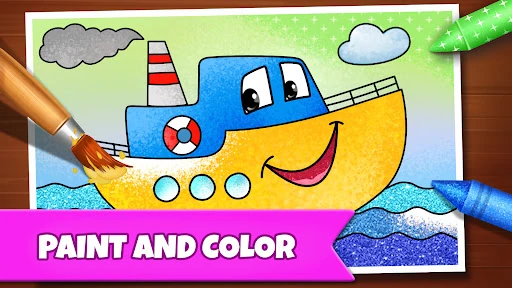
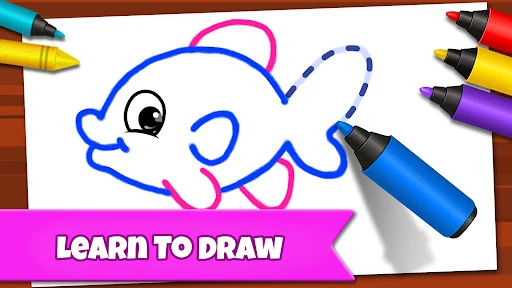
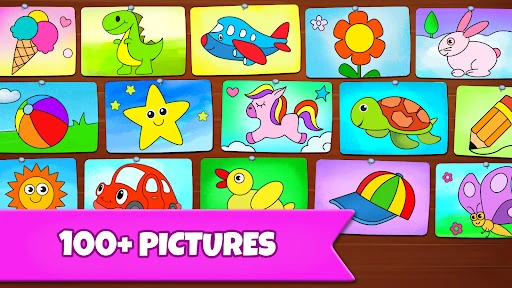
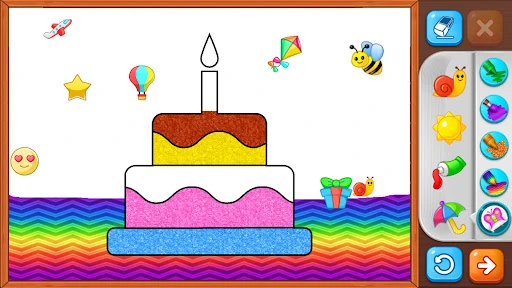
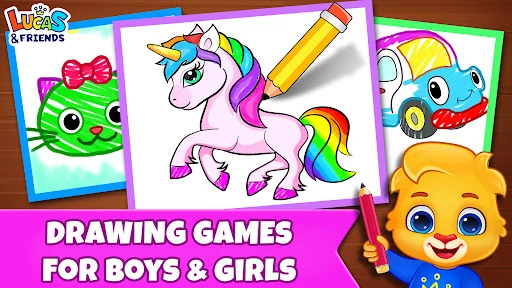
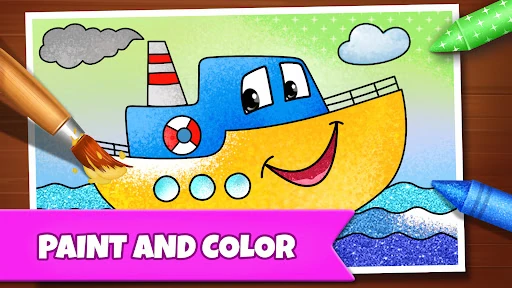
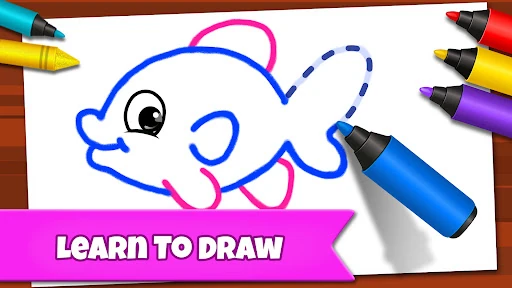
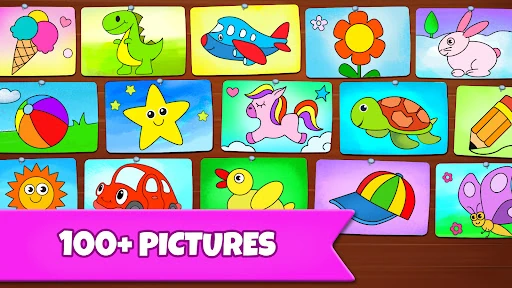
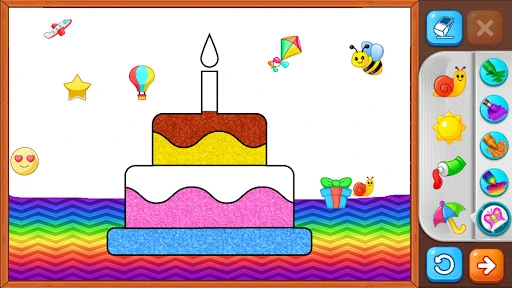
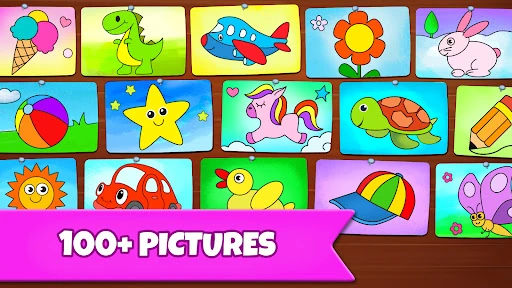
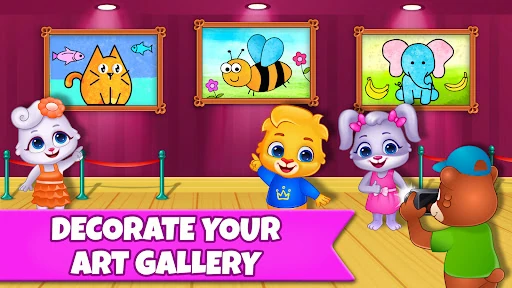
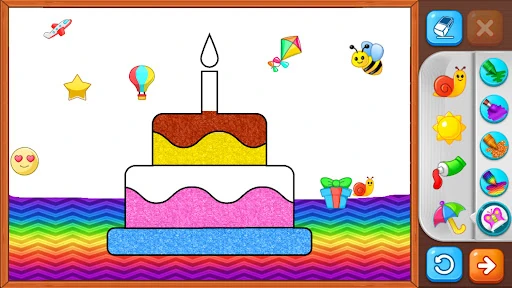
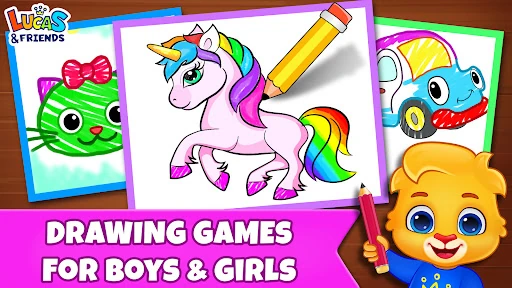
Drawing Games: Draw & Color gives children several ways to make and complete pictures, including guided drawing, coloring and connecting dots. It suits younger children who want a starting point for drawing, as well as those who prefer to fill in pictures or follow a simple visual activity.
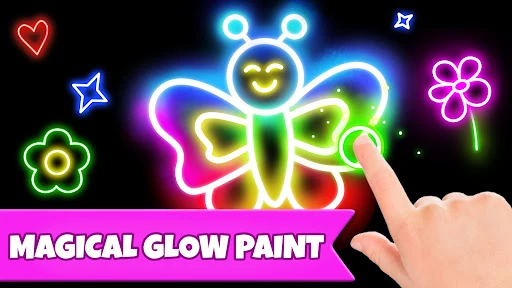
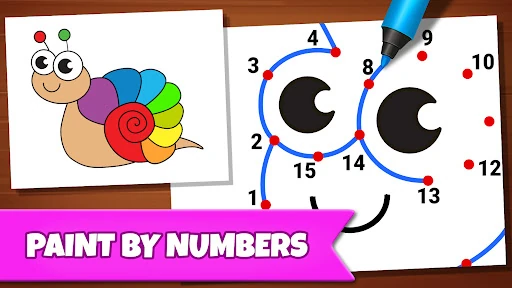
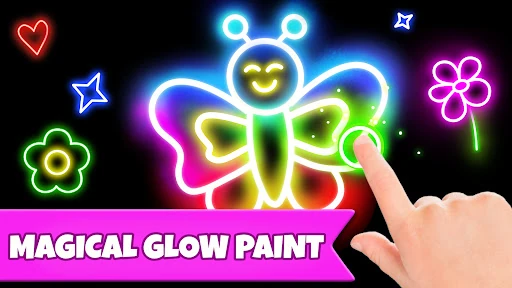
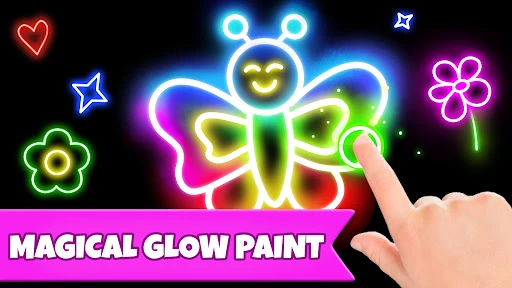
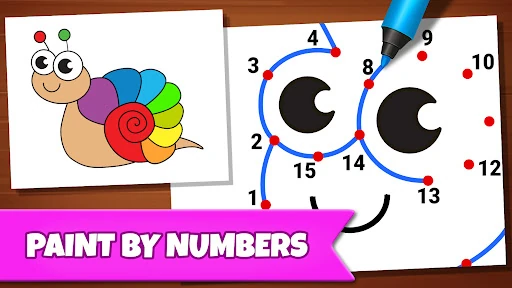
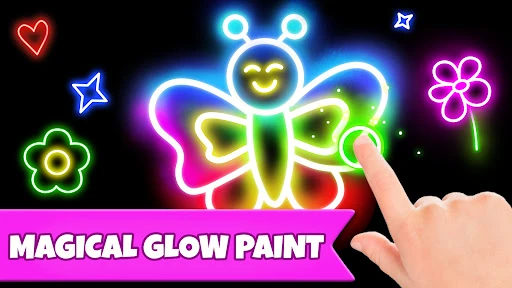
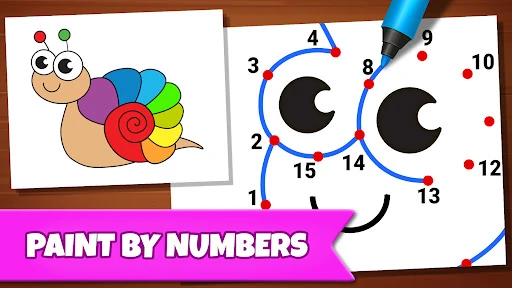
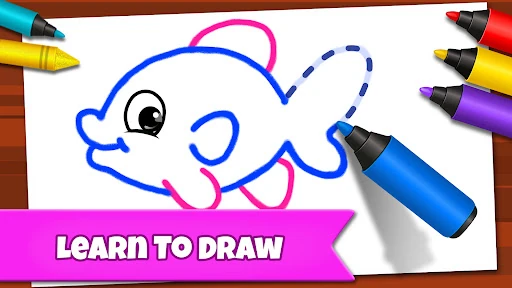
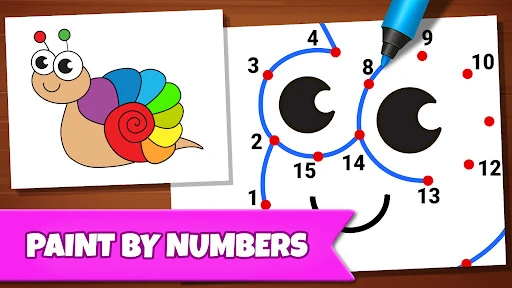
The guided drawing mode breaks pictures into steps, so children can follow along rather than having to invent an image from scratch. Connect-the-dots adds a sequence to follow before revealing a picture. Other options include memory drawing, where children try to reproduce a shape after seeing it, glow painting for bright, free-form marks, and auto draw, which shows an illustration taking shape.
These different modes make the app useful for switching between instruction and open-ended play. The step-by-step activities can also give a child practice following visual sequences and using drawing tools. It is still a simple drawing app, not a full art or design program.
The mix of guided and free drawing is aimed at children, particularly those who are still building confidence with pictures and basic drawing tasks. Parents looking for a range of short creative activities may find it worth a look. Children seeking detailed art tools or more involved challenges may find the activities limited.
RV AppStudios is the developer. The app is listed in Education and has a 4.3-star rating from 25,451 reviews, with 50,000,000+ installs. Those figures point to a widely used children’s drawing app, though they do not tell you whether its particular activities will suit your child.