Click to download now, finish the installation quickly, and directly unlock the all-round experience
Screenshots
Click to download now, finish the installation quickly, and directly unlock the all-round experience
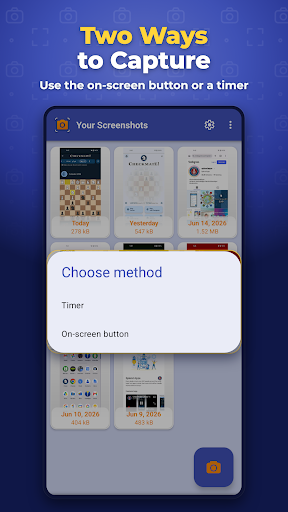
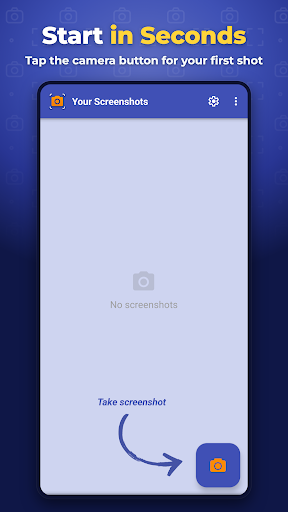
Screenshot is a screen-capture and screenshot-management tool from Splend Apps. It suits people who take screenshots often and want to review, crop, edit, share or delete them without treating each image as a separate task. The app can capture a screen using an on-screen shutter button, a notification control, a countdown timer or standard Android button combinations.
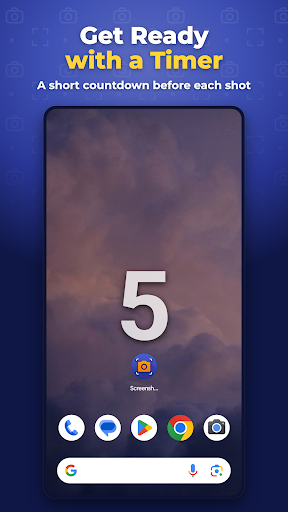
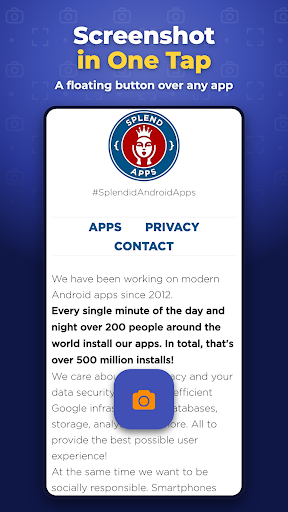
The timer is useful when you need a moment to get a screen ready before capture. The floating shutter button offers another way to take a screenshot while using other screens, and capture can also be started from the notification area. The app supports Android’s usual screenshot button combinations as well, though available options can depend on the device.
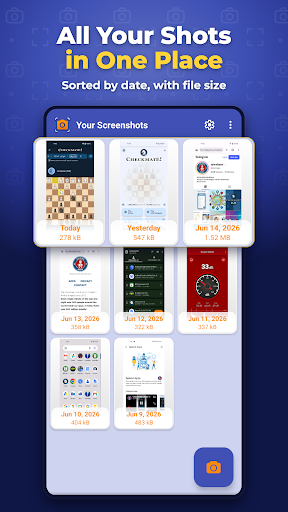
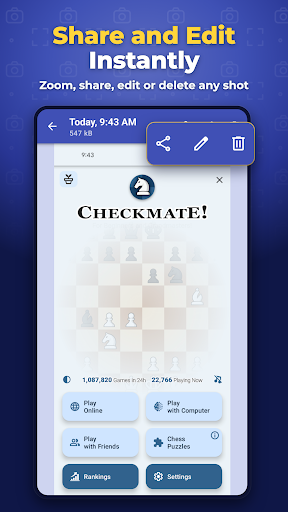
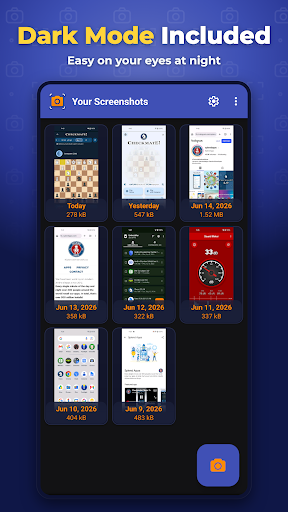
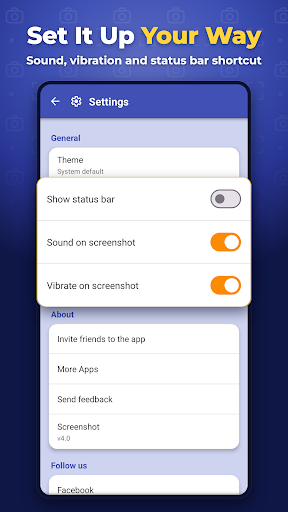
Captured images can be browsed in a gallery or opened one at a time. Gallery view supports selecting multiple screenshots, which can help when sorting a collection. The app also includes tools to crop and edit images, remove screenshots you no longer need, and share them through supported apps and services. Options include hiding the status bar and enabling shutter sound or vibration.
This is a practical fit for users who want capture controls and basic screenshot organization together. It does not require root access, but the developer notes that some functions may not be available on unrooted devices. That limitation is worth considering if a particular capture method matters to you.
Screenshot is listed in Tools and has 10,000,000+ installs. Its store rating is 4.5 out of 5 from 219,656 ratings, giving a substantial indication of how users have responded. Those figures do not guarantee that every feature will work the same way on every Android device.